This post, I will go into depth about Android's software; including both its advantages and disadvantages, some cool and useful aspects and tools that Android offers, and also the software itself.
Android
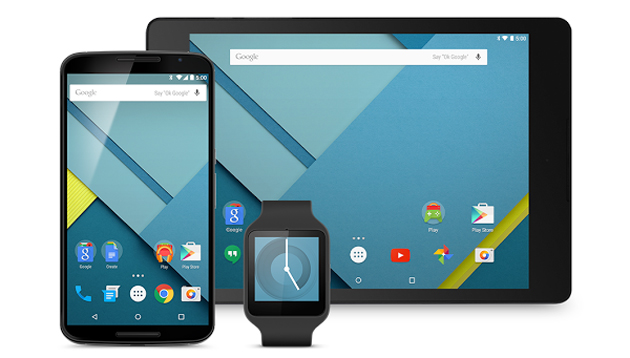
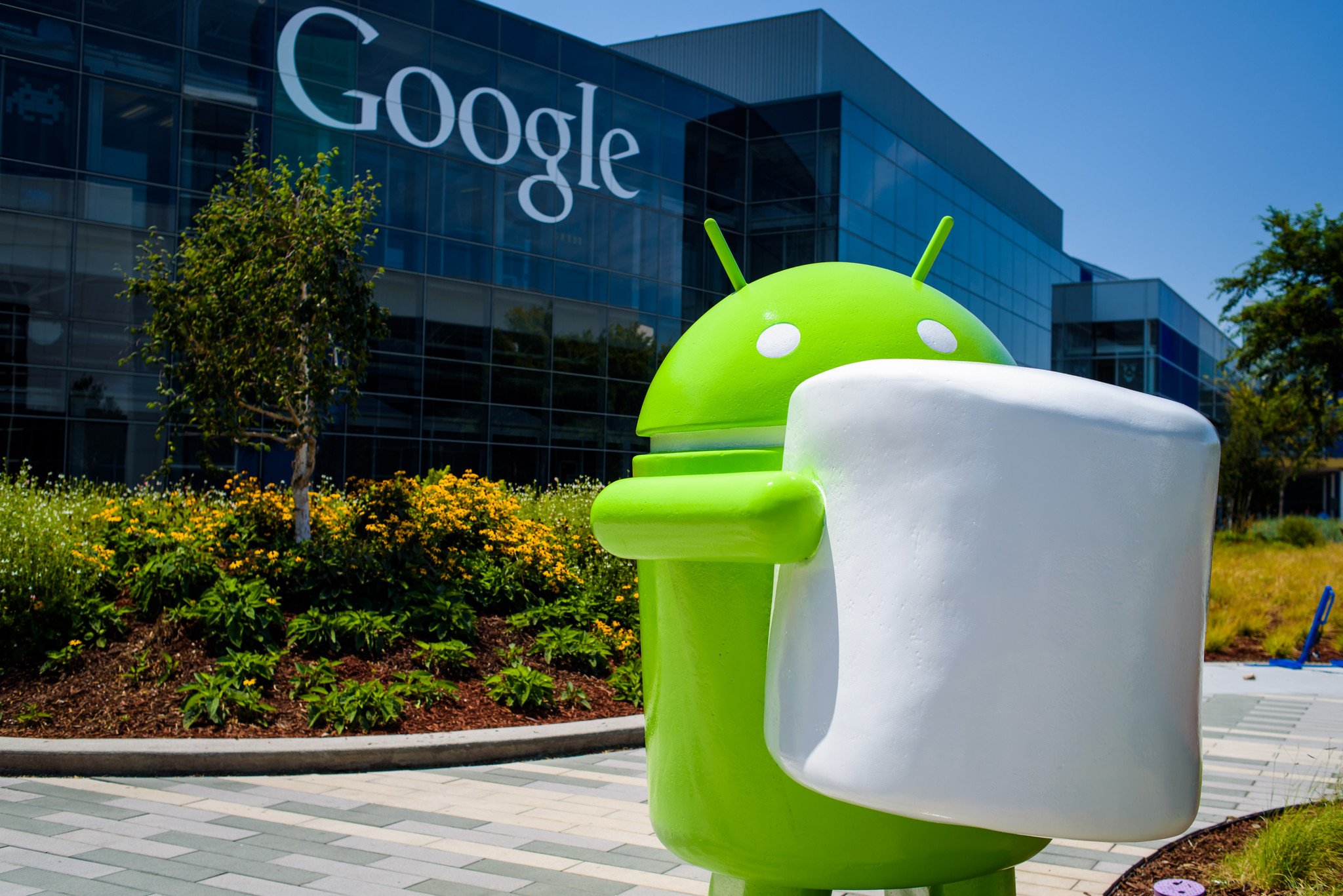
The Android software uses Android 6.0 software, called Marshmallow. This software comes with multiple updates and improvements that the old version, Lollipop, offered; however, this new update in software has not been given to all Android phones yet; as a matter of fact, Android releases such updates their own phones, Google Nexus, first, and the new updates don't normally roll around to other phones months after its release date, or never at all, depending on the age of phone. This is because the Android platform is placed inside so many different kinds of phones, and each phone is different, therefore, they each require different encoding. However, this problem isn't exclusive to Android phones alone. Although Apple is much quicker to ship out their updates, it can be concluded that it is because the Apple platform can only be found in one kind of phone, and that phone is iPhones. However, Apple has a tendency to be concerned about their newest models first, in order to influence Apple product users to purchase the newest model of iPhone, iPod, iPad, etc. that Apple puts on the shelves. I'm sure that Android does this as well; however, I own a phone that is not on sale in stores anymore, and I am still receiving updates.
Back to Android, the new Android update came with some great new features that are proven to lengthen battery life, and provide more services to the user which makes google searches much simpler, and quicker. These features include the official terms Doze (Battery-saving type app), and Now on Tap (Google Now search app). These features really improve the functionality of your device, and have proven to aid its users to get their tasks done quicker.
Now that I have explained the new update that came to Android, let me discuss some of its advantages, as a platform. Android is the better of the two for the most useful features for productivity. Because it is Google software (since 2005 when Google bought Android inc.), Android products come equipped with all of the Google features, such as Google Docs, Google Slides, Google Sheets, Google Drive, Google Calendar, Google Contacts, GMail, Google Maps, Google Translate, Google Photos,Google+, Youtube and also all of the Play Apps; Music, Games, Movies, Newsstand. And obviously, Google Chrome and Google Search. The reason that I mention all of these apps is because these apps are all controlled by your Google account. Therefore, you can access every piece of data that you store within these apps on practically every device you wish. Including laptops, PC's, tablets and even other phones. Another reason I mention this is because every document, spreadsheet, calendar event, slide presentation, whatever you please, is automatically saved to your Google Drive account as you update it; therefore, you do not have to worry about any corrupt data on your device, because all of your work is saved directly to your Drive. Furthermore, all of these documents that I have mentioned and more, can be shared with people right from the app, which makes it much easier to communicate with others. In addition, Google Classroom is a great learning tool used throughout multiple school boards. This feature lets the teacher and the classmates communicate within themselves, and is approachable through every mobile device. It is useful for sharing projects and their due dates, any lessons covered in class, and any memos and notes that the teacher wishes to tell the students. My school board uses this feature, and it is very, very successful and used within my school. It simplifies the learning aspect as a student when you are able to rely on this service to remember about any homework, upcoming tests and projects.

Another feature of Android phones is its Google Now function. Google Now is a feature that is voice activated to the owner's voice, and lets the owner do a voice search through google as if he were using google, which he practically is. This offers a hands free function that is very useful when busy doing other tasks. On top of the google searches, you can make calls, send text messages, open apps, play music, set calendar events, reminders, alarms, and basically anything else you can thing of. I love this feature and use it often to check the weather, send text messages to my friends while cooking, do quick searches while typing on my laptop or doing homework and playing my playlist while it is charging. It is a very neat tool, and it is also available on laptops, as well.
Now, the disadvantages. Although Android platform comes with all of these amazing features, in my opinion, there is naturally some drawbacks. Android phones are normally a little difficult to use at first usage, because there are so many different features and specifications that they can prove to become confusing. After purchasing the phone, it usually takes a while in order to set up every aspect of the phone, because all of its features continue to show up in your notifications bar, stating to setup this app, and so forth. You can start to lose track of all of the features your phone possesses, because there is so many. Also, as I have already mentioned, not every aspect of Android phones are customizable, which can be a pain, considering that some of these aspects are the most used aspects, such as your apps window (the circular button with the six dots), and your lock screen, to a point.
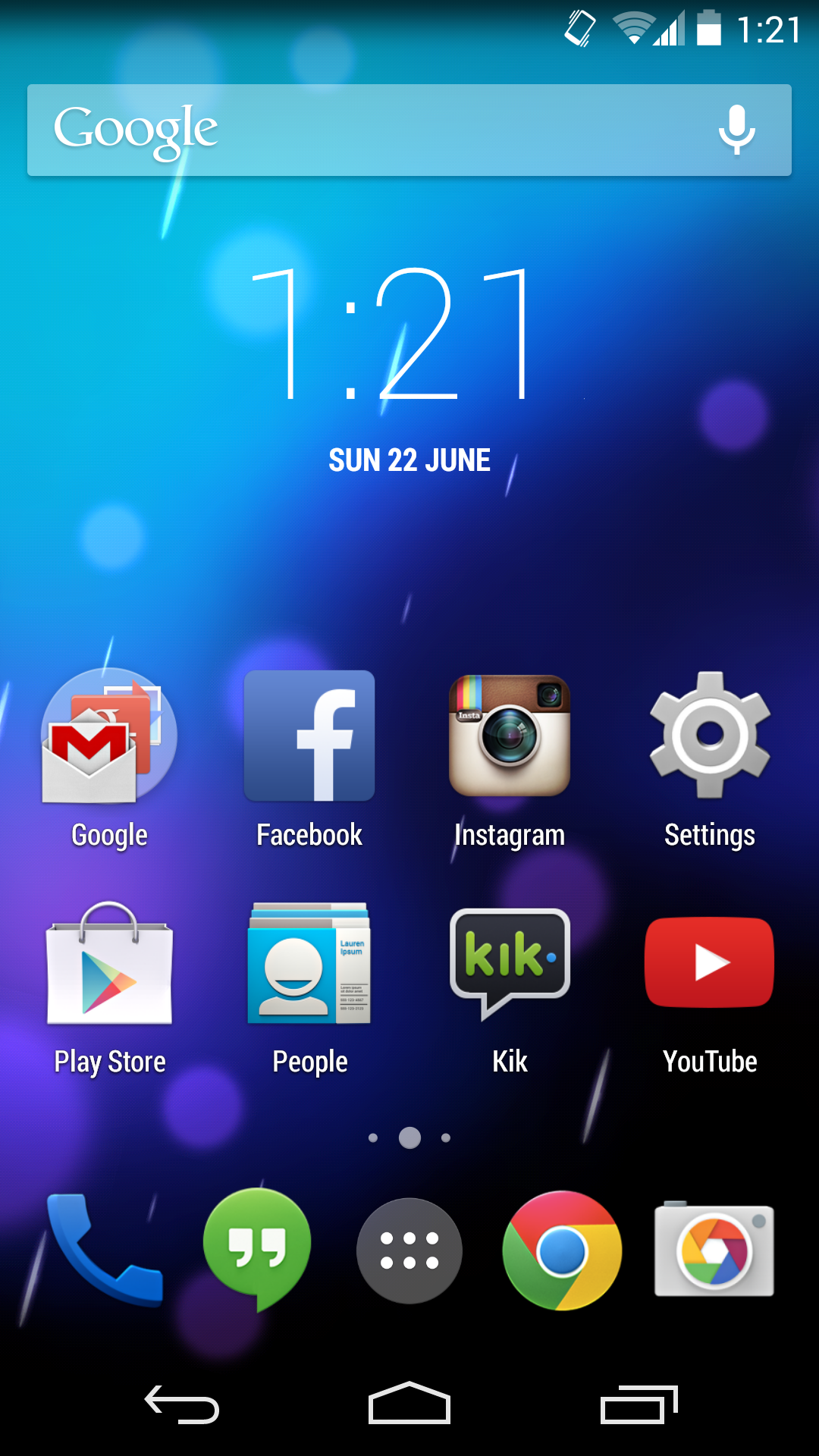
As you can see by the picture above, the app window is very black and well, dark. This window is non customizable, and the apps are set by alphabetical order. This can prove to be bothersome to some users, considering that you cannot change it at all. This limits your phone's personalisation abilities, which is an unfortunate factor. Another inconvenience that Android has but Apple does not, is the ability to reply to texts straight from, either the lock screen, or when your phone is unlocked. You have to actually go to the messaging app in order to reply, which has been a bother to me, especially when I am trying to do a search that really is not fit to be done on a small screen, but in a laptop, and I have to leave my screen in order to text. However, Android fixed this problem with an app in the Play Store, called Messenger (made by Google). This is different from your phone's original messaging app, but can be easily made your default messaging app in your settings.
In other inconveniences, Android does not provide the same apps that Apple does, which can prove difficult, when you own one device of each company, like I do, and you have to try and find similar apps on your phone that resemble the apps on your Apple device (as a comparison, I use Playtube on the App store on my iPod to watch Youtube videos, and it lets me download them to my iPod for music; there is no Playtube on the Play Store).
Also, the Android software is what is called an open source software, which means that Android can work on all devices everywhere, from cars to touchscreen fridges, to computers, to phones, etc.. this, I feel is great, but the problem is that because it is so vastly open and large, it is impossible to know every single aspect of its software, which causes complications when trying to perfect the software, as well as any updates that occur, and any glitches that may occur.
All in all, I love this platform because it has some amazing features that enhance my productivity, and as well as my entertainment with some of the apps that I mentioned. After some app downloads, I was able to enhance its communication aspect, as well, and it made me enjoy my Android phone even more. Its multiple features make searching very easy and fast, and I feel that Android has a lot in store in terms of a prosperable future that all Android users will benefit from. I recommend this platform for the productive person.
Thank you very much for reading my blog, and stay tuned, because next I break down the very popular Apple platform.

 |
| Android 6.0 Marshmallow |
Back to Android, the new Android update came with some great new features that are proven to lengthen battery life, and provide more services to the user which makes google searches much simpler, and quicker. These features include the official terms Doze (Battery-saving type app), and Now on Tap (Google Now search app). These features really improve the functionality of your device, and have proven to aid its users to get their tasks done quicker.
 |
| Google Now on Tap, demonstrating one of its useful aspects |

Another feature of Android phones is its Google Now function. Google Now is a feature that is voice activated to the owner's voice, and lets the owner do a voice search through google as if he were using google, which he practically is. This offers a hands free function that is very useful when busy doing other tasks. On top of the google searches, you can make calls, send text messages, open apps, play music, set calendar events, reminders, alarms, and basically anything else you can thing of. I love this feature and use it often to check the weather, send text messages to my friends while cooking, do quick searches while typing on my laptop or doing homework and playing my playlist while it is charging. It is a very neat tool, and it is also available on laptops, as well.
 |
| Google Now |
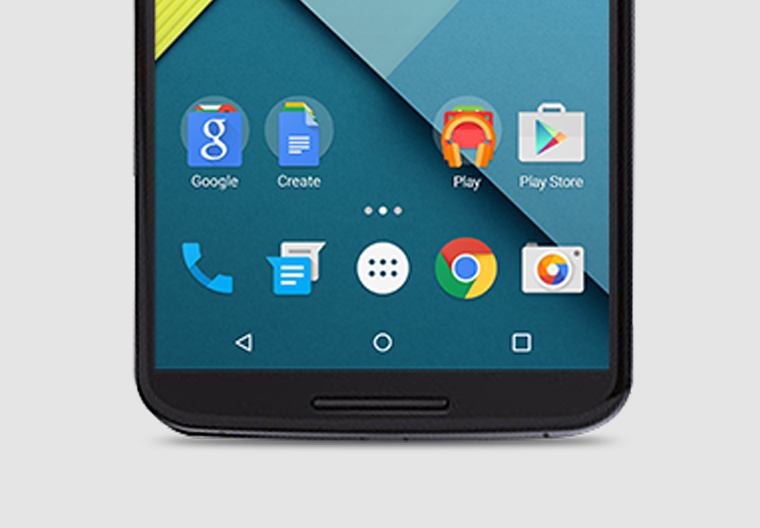
Now, the disadvantages. Although Android platform comes with all of these amazing features, in my opinion, there is naturally some drawbacks. Android phones are normally a little difficult to use at first usage, because there are so many different features and specifications that they can prove to become confusing. After purchasing the phone, it usually takes a while in order to set up every aspect of the phone, because all of its features continue to show up in your notifications bar, stating to setup this app, and so forth. You can start to lose track of all of the features your phone possesses, because there is so many. Also, as I have already mentioned, not every aspect of Android phones are customizable, which can be a pain, considering that some of these aspects are the most used aspects, such as your apps window (the circular button with the six dots), and your lock screen, to a point.
 |
| This photo shows the Apps window (left), and a quick access control panel that you can access by swiping from top to bottom of your screen twice (right). |
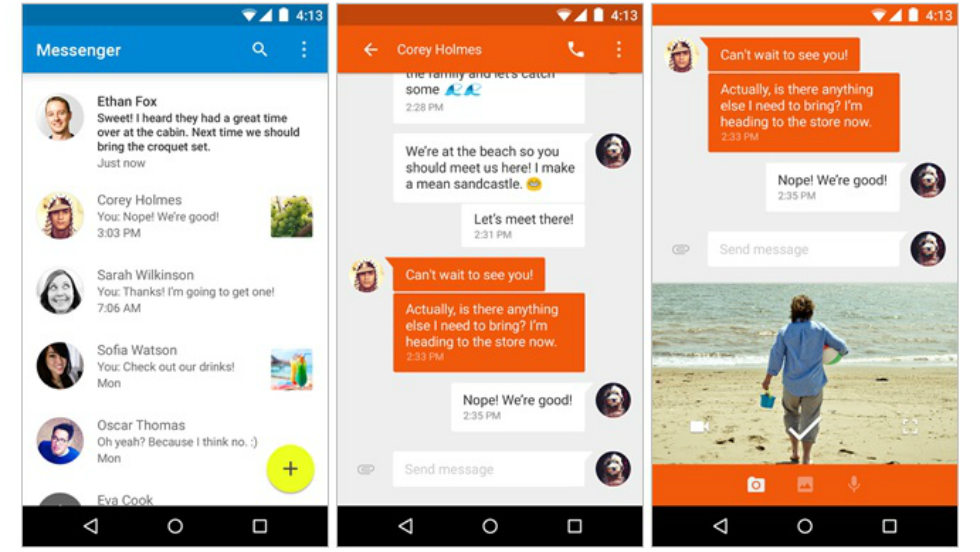 |
| The Messenger app allows you to reply to messages straight from your current page, as well |
Also, the Android software is what is called an open source software, which means that Android can work on all devices everywhere, from cars to touchscreen fridges, to computers, to phones, etc.. this, I feel is great, but the problem is that because it is so vastly open and large, it is impossible to know every single aspect of its software, which causes complications when trying to perfect the software, as well as any updates that occur, and any glitches that may occur.
All in all, I love this platform because it has some amazing features that enhance my productivity, and as well as my entertainment with some of the apps that I mentioned. After some app downloads, I was able to enhance its communication aspect, as well, and it made me enjoy my Android phone even more. Its multiple features make searching very easy and fast, and I feel that Android has a lot in store in terms of a prosperable future that all Android users will benefit from. I recommend this platform for the productive person.
Thank you very much for reading my blog, and stay tuned, because next I break down the very popular Apple platform.
https://www.android.com/intl/en_ca/versions/marshmallow-6-0/
http://www.cnet.com/products/google-android-6-0-marshmallow/
[Personal experience and knowledge by using platform]